
HeartMath App
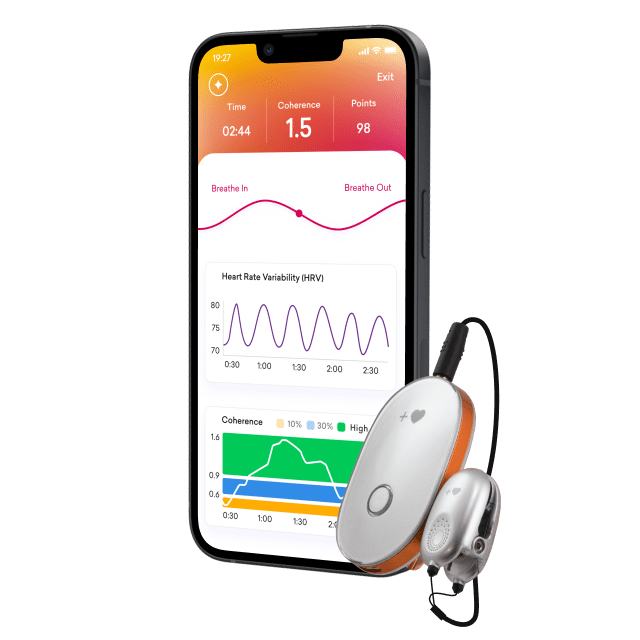
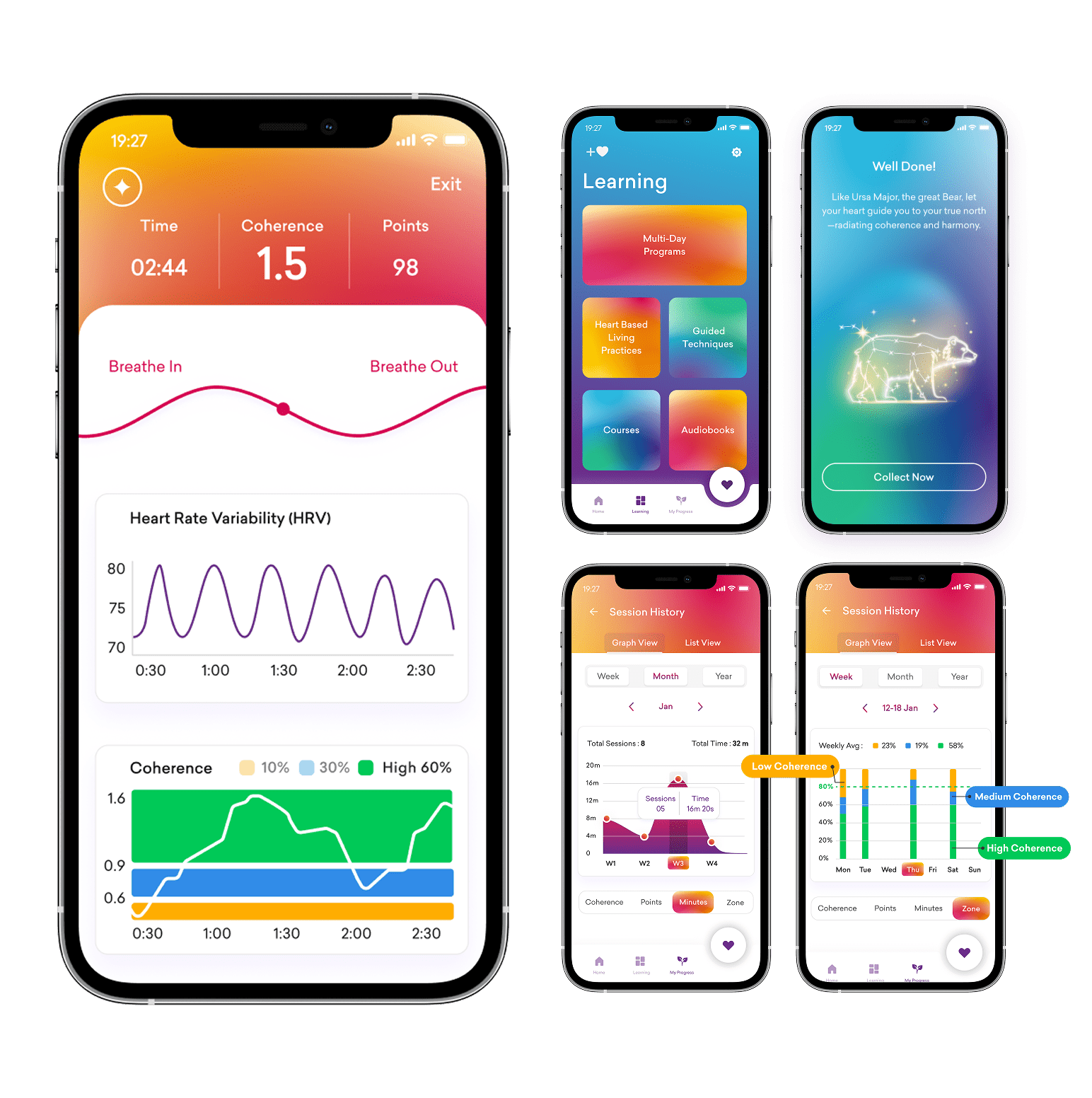
The HeartMath app is our newest and most comprehensive app, and your Inner Balance Coherence Plus sensor includes a free lifetime subscription to the app.
Follow these simple steps to unlock your free lifetime subscription and begin using your new sensor with the HeartMath app:
To Get Started:
Once you receive your Inner Balance Coherence Plus sensor (you will need your sensor to unlock your lifetime subscription to the app), follow the steps below.
-
Download and open the HeartMath app from your favorite app store.
-
Create an account or sign in.*
-
As you use the app, a prompt will guide you when it’s time to connect your sensor.
-
Follow the prompt to connect your (bluetooth) Inner Balance Coherence Plus sensor which will unlock your lifetime subscription.
For step-by-step instructions: Tutorials Page.
*If you have an existing account in HeartCloud or if you bought the sensor from HeartMath.com, sign in using the same email and password you used to purchase the sensor. Otherwise, go ahead and create a new account. If you try to sign in and have any issues, just reset your password.


Global Coherence App
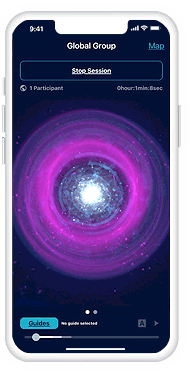
Join with others to help facilitate a shift in global consciousness from instability and discord to compassionate care, cooperation, and increasing peace.
The Global Coherence app, created by the HeartMath Institute, connects people from all around the world who have a sincere desire to add heart to their daily lives and to the world.
To Get Started:
- Download and open the Global Coherence app from your favorite app store.
- Follow the instructions to connect your sensor. If you have already used the Global Coherence app with a different HeartMath sensor, you will need to go into the app settings and “forget” the old sensor to connect your new one.
- For videos on how to use the Global Coherence app, visit the Global Coherence tutorials site.
Inner Balance App
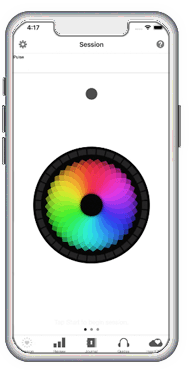
The Inner Balance app is our original app, introduced in 2013. Its focus is coherence measurement. This app will work with the new Inner Balance Coherence Plus sensor.
To Get Started:
-
Download the Inner Balance app from your favorite app store.
-
Press the power button on your sensor.
-
Open the Inner Balance app and tap the Start icon to begin a session.
For videos on how to use the Inner Balance app, visit the Tutorials Page.